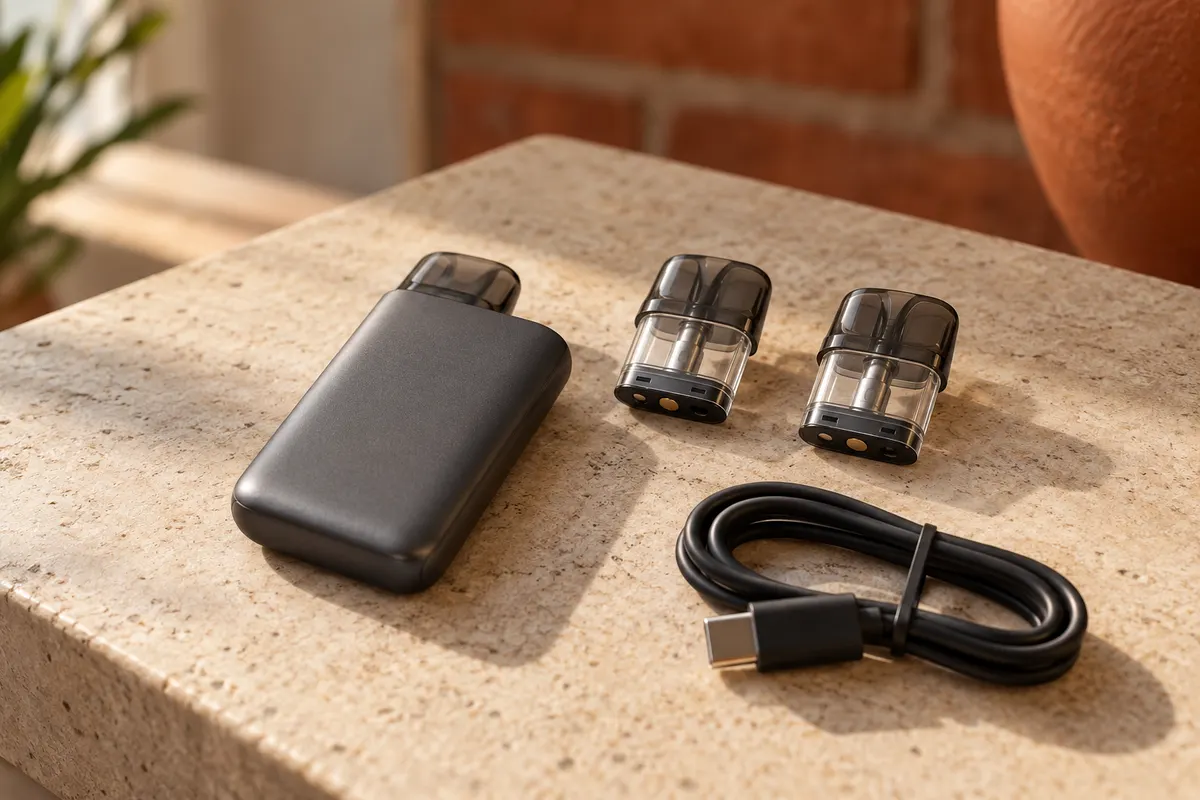
Voopoo Argus, the controls shared across the range
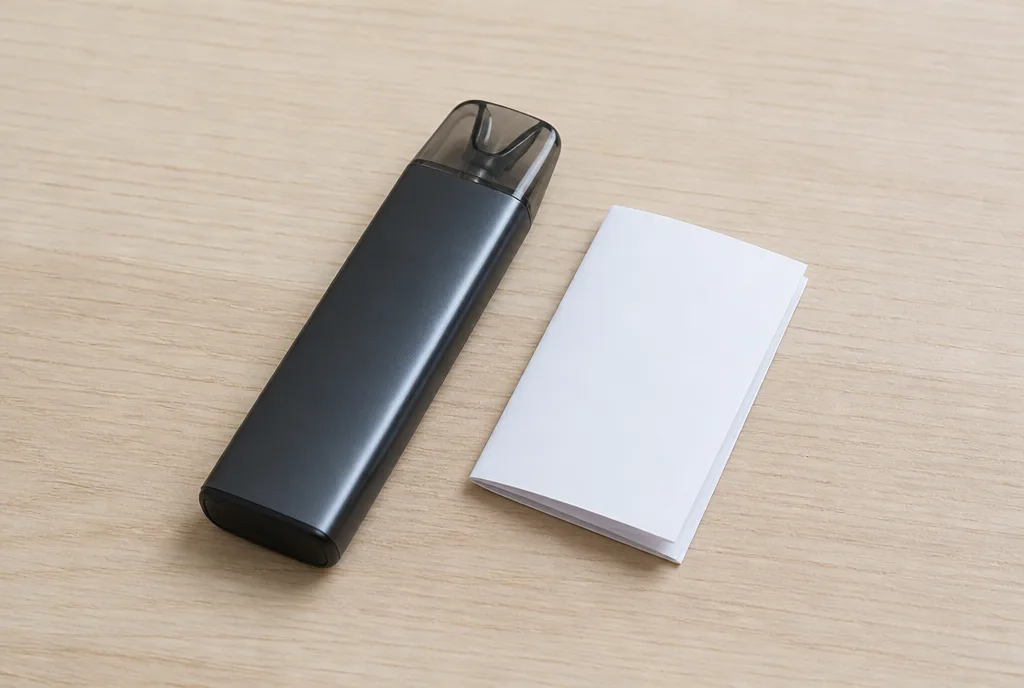
Five clicks to switch on, three to adjust, two to change mode. On a Voopoo Argus, those combinations carry over from one model to the next, but not everywhere, and some pods in the series have no button at all. Voopoo uses the Argus name for around fifteen devices, from small pods to a 200 W mod. We cross-checked the published user guides for several of them to separate what carries over between Argus models from what does not.
What every Voopoo Argus has in common
A Voopoo Argus is any device in Voopoo’s Argus series, which brings together compact pods and more powerful mods. The basic controls look alike on the pods with a button, while the buttonless models are run entirely by drawing on them and reading their lights.
Voopoo’s own series page lists, among others, the Argus Klyc, G3, G3 mini, G2 mini+, P3, Z, P1, Air, Pro, X, GT and GT II. The spread in power is wide, from 25 W on the Argus Air to 200 W on the Argus GT II.
Batteries range from 1500 mAh on the original Argus (40 W) or the Argus G3 to 3000 mAh on the Argus Pro (5 to 80 W), and the Argus X runs on a single 18650 battery. For the controls, though, the dividing line is neither size nor power but whether there is a button.
Controls on a Voopoo Argus with a button
On the pods fitted with a button, Voopoo has kept the same control language across models. The user guides for the Argus G and the Argus G2 describe identical combinations for the main functions.
Switching on and setting the power
Five quick presses of the button switch the device on or off, on the Argus G and the Argus G2 alike. Three quick presses make the wattage flash, and it is then adjusted with further presses.
There is a ceiling. According to the Argus G guide, the chipset will not accept a wattage above the maximum recommended for the fitted coil, and it shows the message Max power when you reach it.
Modes and the lock
On the Argus G2, two quick presses open the modes. SMART sets the power from the detected coil, SUPER puts the emphasis on flavour, and ECO lowers the power to save battery and e-liquid.
Locking goes through a menu on the Argus G. Five presses with the device on open the settings, two presses reach the lock option, and a long press locks or unlocks it. Draw activation still works once the button is locked.
Buttonless Argus pods, run by their lights
The Argus P1S has no button. It fires by itself when you draw, as long as a filled pod is in place, and stops as soon as you stop drawing. Its air inlets are fixed, one on each side of the battery.
With no screen, everything goes through three lights. While charging, three lights blinking once mean the battery is above 60 per cent, two lights on mean 30 to 60 per cent, and a single light means under 30 per cent. Three solid white lights show that charging is complete.
Errors show in red. One blink of all three lights means no pod is detected, two blinks mean a short circuit, and solid red for 5 seconds means overheating. Eight blinks mean a puff has gone past the 8-second limit.
The warning signals by model
The same problem is not reported the same way on every device. This table sets the Argus G guide, for a model with a screen, against the Argus P1S guide, for a model with lights.
| Situation | Argus G (screen) | Argus P1S (lights) |
|---|---|---|
| Short circuit | Atomizer Short message | three red lights, two blinks |
| Puff too long | Time Out message, after 5 s | three red lights, eight blinks, after 8 s |
| Overheating | Temp High message | three red lights, solid for 5 s |
The cut-off time therefore differs between models, 5 seconds on the Argus G against 8 on the P1S. For a short circuit, the Argus G guide advises removing and refitting the pod, then replacing the coil if the message persists.
Filling and priming an Argus pod
Filling has changed over the generations. On the Argus G and the P1S, the pod fills from the side by lifting a silicone flap, which has to be pressed firmly back into place to avoid leaks. The Argus G2 moves to top filling according to its official page, like the recent models (Klyc, G3, G3 mini), whose pod the series page names the Argus Top Fill V2.
A new coil needs time to soak. The guides we read give 10 minutes for the P1S and the Argus G2, and 15 minutes for the Argus G. The Argus G guide also advises filling only two thirds of the way and keeping to 50 per cent vegetable glycerine at most.
Voopoo’s series page gives 3 ml for the Argus G2 mini+ pod, and the Argus G guide describes a 2 ml pod. UK rules cap refillable tanks and pods at 2 ml, and nicotine e-liquid is limited to 20 mg/ml in bottles of no more than 10 ml, so the 2 ml pod is the one sold legally here. On the P1S, the 1.2 ohm pod is aimed at 8 to 12 W for a tight mouth-to-lung draw, and the 0.7 ohm pod at 14 to 18 W for a looser one.
Reading devices model by model is the same approach we take in our Geek Vape Aegis user manual, where button combinations also follow a brand-wide logic.
FAQ
A few questions come up again and again once the guides have been read, mostly about charging and pod compatibility.
Can an Argus be charged with any USB-C charger?
The guides describe charging through a USB-C cable plugged into a mains adapter or another USB source. They set a charging temperature range of 0 to 45 °C, and use between -10 and 60 °C.
Which tank do the Argus Pro and Argus X use?
According to Voopoo’s series page, the Argus Pro and the Argus X take a PnP atomiser system, and the Argus GT a convertible PnP pod tank. Filling them therefore follows that tank’s guide, not the one for the compact pods.
What if the Atomizer Short message keeps coming back?
Remove the pod, check that its contacts are clean and dry, and refit it. If the warning returns, the coil is at fault and needs replacing, or the whole pod when the coil is built in.
Does locking stop the device from working?
On the Argus G, locking blocks the button but leaves draw activation working. Its main use is to prevent settings from changing by accident in a pocket.
Where can I find the manual for my model?
The printed leaflet in the box remains the reference. The exact model name, printed on the box, avoids mixing up a G2 with a G2 mini.
Voopoo Argus, read the guide for your own model
The basic controls carry over well from one Argus pod with a button to another, five presses to switch on and three to adjust. Everything else varies, from the cut-off time to the filling method and the way an error is shown. Before setting up a Voopoo Argus, the safest course is to check the exact model name and open its own guide, a habit we recommend for every brand, as our Geekvape manual guide explains.
More on the same subject
- Geekvape manual, how to find and read the right one
- Geek Vape Aegis user manual, the shared basics
- Aspire Pixo Max, what the Max version really changes
Editorial content for adult readers only. Vaping products can contain nicotine, a substance that causes addiction, and vaping products are not for sale to anyone under 18 in the UK. This article is informational, is not a buying recommendation and does not replace the manufacturer manual.
More to read
Analysis
Vaping in public places: the UK rules explained
Vaping in public places in the UK: trains, planes, pubs, hotels, shops, hospitals and workplaces. Who really decides in each setting, and what you risk.
Market
Geekvape Z coil, what the manufacturer still lists
Geekvape Z coil explained, three XM Boost values on the official page, a 0.25 ohm still sold by shops, interchangeable heads and a code to verify.

News
OXVA VPrime, the 60 W pod read in its 2 ml UK version
OXVA VPrime explained, 2600 mAh and 60 W. The 2 ml TPD pod sold in the UK, coils from 0.2 to 0.8 ohm and an empty pod with replaceable coils.